
Tax Calculator for Paycheck: Complete Guide to Estimate Your Take-Home Pay in 2025-2026
A tax calculator for paycheck is one of the most effective tools that helps employees instantly estimate federal taxes, state withholding, Social Security, Medicare, and net pay—without needing a payroll expert.
Paycheck Tax Calculator (USA — 2025)
Understanding how much money actually lands in your bank account after taxes is crucial for budgeting, saving, and long-term financial planning.In this guide, you’ll learn how paycheck tax calculators work, what deductions affect your take-home pay, and why using an online tax calculator for paycheck can save you time, effort, and costly mistakes.
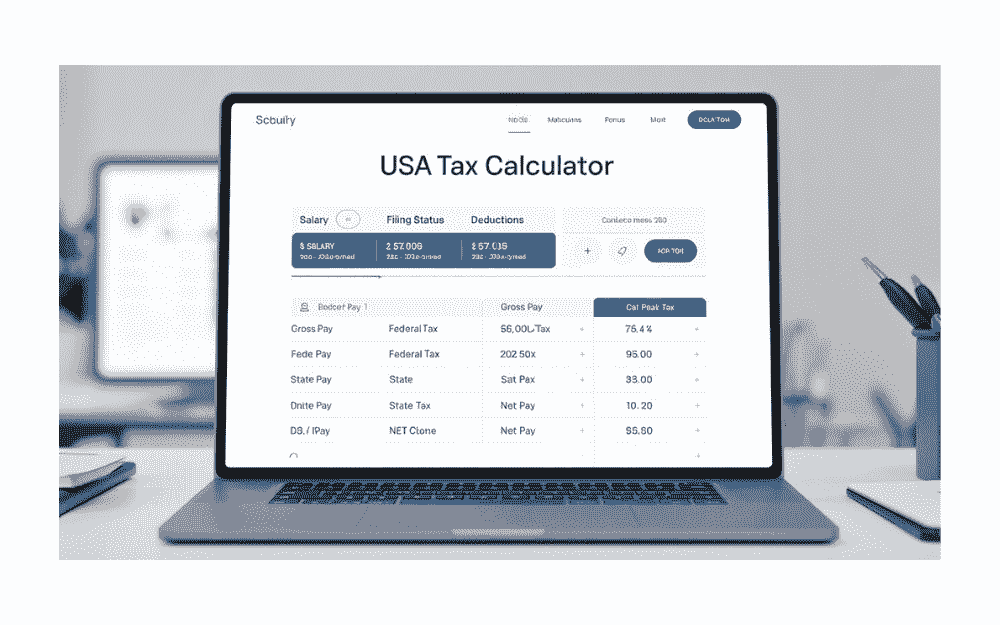
What Is a Tax Calculator for Paycheck?
A tax calculator for paycheck is an online tool that calculates your estimated take-home pay after subtracting:
- Federal income tax
- State income tax
- Social Security tax
- Medicare tax
- Local taxes (if applicable)
- Pre-tax deductions (401k, HSA, insurance)
It helps you understand net pay, which is the amount you take home after all mandatory and optional deductions.
This tool is essential for employees, gig workers, freelancers, and business owners who want clear insights into their payroll taxes.
Why You Need a Tax Calculator for Paycheck
Using a paycheck tax calculator is beneficial for many reasons:
✔ Accurate Take-Home Estimation
Instead of guessing your net income, a calculator gives you a line-by-line deduction breakdown.
✔ Helps With Budget Planning
When you know your real income, it’s easier to plan bills, savings, and investment strategies.
✔ Ideal for Job Changes or Raises
Curious how much a new salary will pay after taxes? A tax calculator tells you instantly.
✔ Useful for Adjusting W-4 Withholding
You can test different W-4 choices to reduce underpayment or overpayment of taxes.
✔ Prevents Payroll Surprises
No more unexpected differences in your paycheck.
How a Paycheck Tax Calculator Works
Most tax calculator for paycheck tools follow a simple input process:
1. Enter Your Gross Pay
Examples:
- Hourly rate × weekly hours
- Salary divided by pay periods
- Bonus or overtime pay
2. Select Your Pay Frequency
- Weekly
- Bi-weekly
- Semi-monthly
- Monthly
- Annually
3. Choose Your Filing Status
- Single
- Married filing jointly
- Married filing separately
- Head of household
4. Enter State Tax Information
Each state has different withholding rules. Some states (TX, FL, WA, TN, NV, SD, WY) have no income tax.
5. Add Pre-Tax Deductions
These reduce your taxable income:
- 401(k) or 403(b)
- HSA / FSA
- Health insurance
- Dental & vision
- Commuter benefits
6. View Your Detailed Breakdown
A helpful tax calculator for paycheck should show:
- Total federal income tax
- State tax withholding
- Social Security (6.2%)
- Medicare (1.45%)
- Additional Medicare tax if applicable
- Total deductions
- Net take-home pay
Components Deducted From Your Paycheck
Understanding each deduction helps you read your results correctly.
1. Federal Income Tax
Calculated using IRS tax brackets (progressive system).
Your taxable income is reduced by standard deduction and pre-tax benefits.
2. State Income Tax
Depending on the state, it may be:
- Flat tax rate
- Progressive tax rate
- Zero state income tax
A tax calculator automatically applies these rules.
3. Social Security Tax (6.2%)
This applies to wages up to the annual wage base limit. Every employee must pay this.
4. Medicare Tax (1.45%)
No income cap.
High earners may pay an additional 0.9%.
5. Local Taxes (If Applicable)
Some cities/counties charge local income taxes.
6. Pre-Tax Payroll Deductions
These reduce your taxable wages:
- Retirement contributions: 401(k), 403(b)
- HSA or FSA accounts
- Employer-sponsored health insurance
- Supplementary benefits
Benefits of Using a Tax Calculator for Paycheck
✔ Saves Time
You don’t need a CPA or manual IRS forms.
✔ More Accurate Budgeting
Know your real income, not just your salary.
✔ Helps Evaluate Job Offers
You can compare take-home pay between jobs.
✔ Great for Freelancers and Gig Workers
Estimate taxes before quarterly tax payments.
Who Should Use a Paycheck Tax Calculator?
🔹 Employees (Full-Time & Part-Time)
Perfect for estimating salary and hourly payroll.
🔹 Self-Employed or Freelancers
Helps calculate estimated quarterly taxes.
🔹 Students and Interns
Easy way to understand their very first paycheck.
🔹 HR Professionals & Employers
Useful when preparing payroll or salary packages.
Check this also post
Random Letter Generator | Instantly Generate A–Z Letters Online
How to Increase Your Take-Home Pay
A tax calculator for paycheck can help you test strategies such as:
✔ Increase Pre-Tax Retirement Contributions
More 401(k) = less taxable income.
✔ Adjust Your W-4 Form
Reduce under-withholding or over-withholding.
✔ Use HSA or FSA Accounts
Tax-free medical savings help reduce taxes.
✔ Choose Employer-Sponsored Insurance
Often cheaper than private plans.
Frequently Asked Questions (FAQ)
1. Is a paycheck tax calculator accurate?
Yes, most calculators use IRS tax brackets and state tax rules to give reliable estimates.
2. Does it include Social Security and Medicare?
A good tax calculator for paycheck should include FICA taxes automatically.
3. Can I calculate taxes for bonuses or overtime?
Yes, simply enter the bonus/overtime amount as gross pay.
4. Is state tax included?
Yes, if you choose your state or enter custom rates.
5. How often should I use a paycheck tax calculator?
Use it whenever:
- You get a raise
- Your hours change
- You switch jobs
- You update your W-4
Conclusion: Why a Tax Calculator for Paycheck Is Essential in 2025
A tax calculator for paycheck is one of the most valuable financial tools for managing your income. Whether you’re an employee, freelancer, employer, or gig worker, this tool ensures you understand your real take-home pay after federal, state, and payroll taxes.
By using an accurate calculator, you can:
- Plan your budget
- Estimate salary changes
- Avoid tax surprises
- Improve long-term financial stability